Automating Data Retention: Backing up Airtable Records to AWS via Zapier
Let's be real for a second. That beautiful, custom-built Airtable base that runs your projects, tracks your leads, or stores your content calendar? It's not backed up. I mean, sure, Airtable has version history. But that's for *edits*, not for "oops, I just wiped the entire table" or "hmm, that integration just corrupted everything." You're trusting a single point of failure. Here's the thing: manual exports? You'll forget. Every time. We need to get this on autopilot.
Zapier + AWS S3: Your Boringly Reliable Safety Net
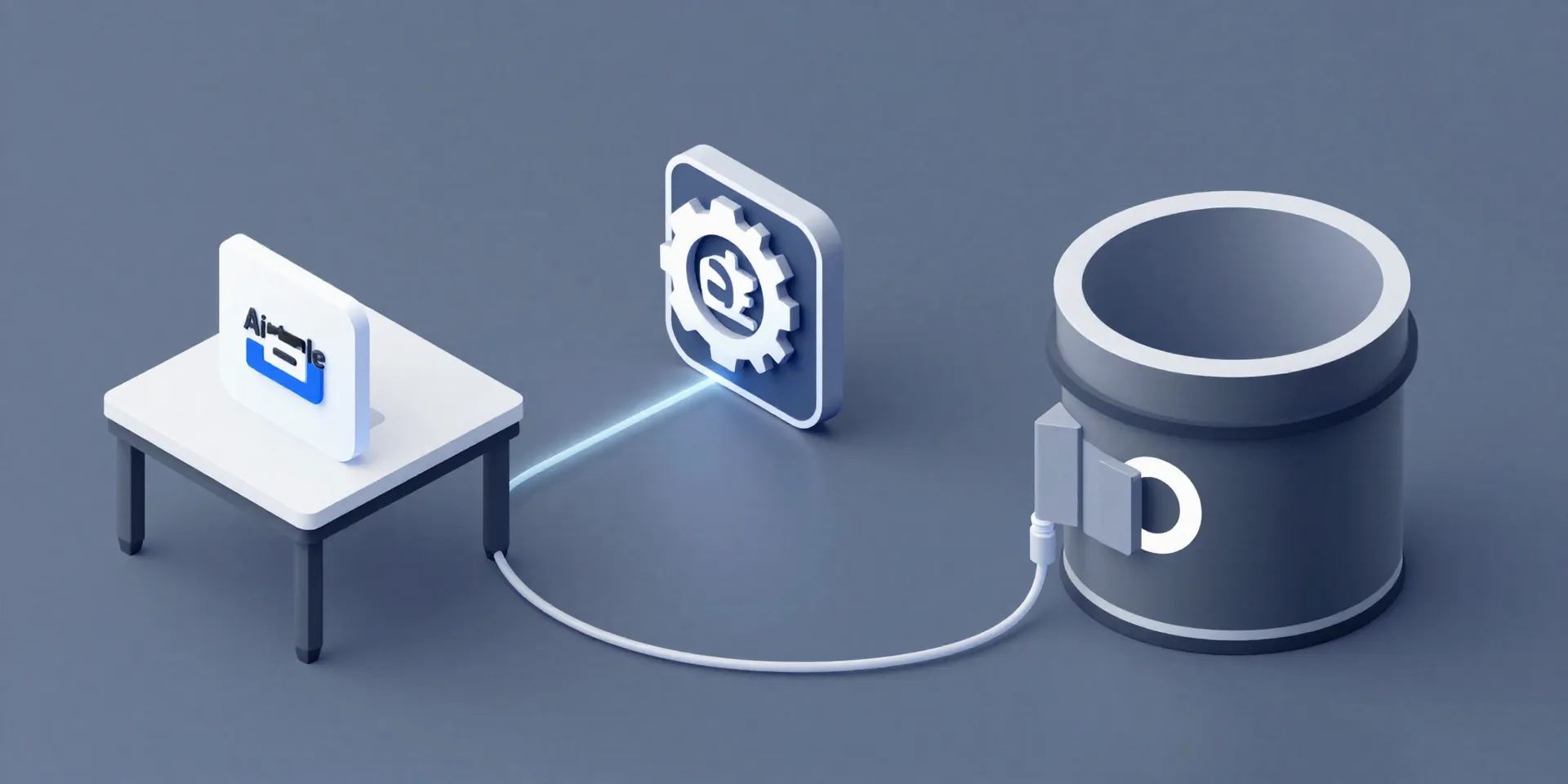
Enter the dynamic duo you didn't know you needed. Zapier is the traffic cop, watching for changes in Airtable. AWS S3 (Simple Storage Service) is the digital warehouse—incredibly cheap, infinitely scalable, and built by Amazon to last. Think of it as your off-site, fireproof filing cabinet. The goal is simple: every time something updates or is created in your critical Airtable, a copy gets silently whisked away to your S3 bucket. No thought required. It just happens.
Building the Automation (It's Easier Than It Sounds)
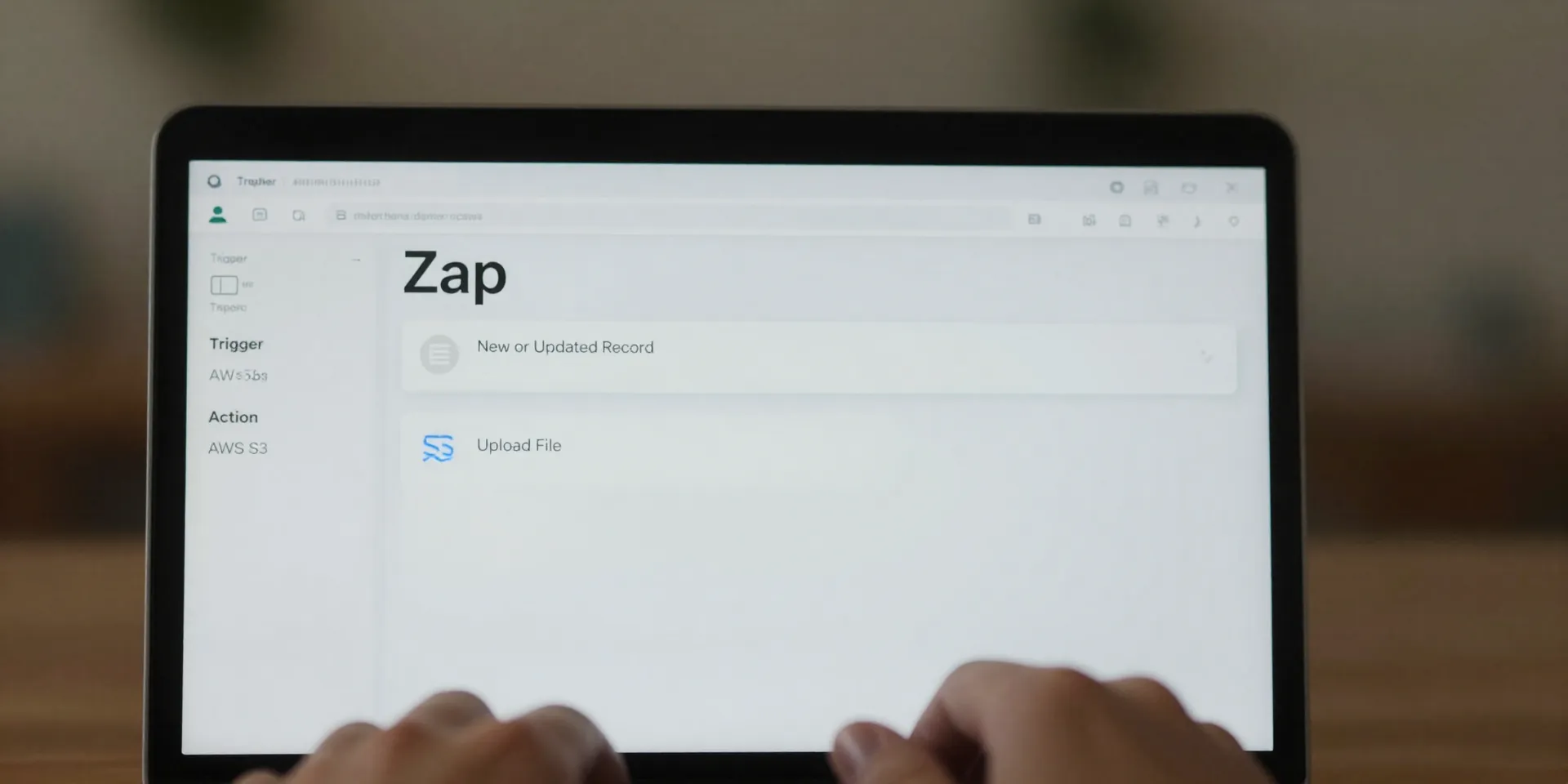
Here's the step-by-step, no jargon edition. First, you need an AWS account. Don't panic. You're just creating an S3 bucket (give it a clear name, like `airtable-backups-[your-name]`) and getting an "Access Key" and "Secret Key." Treat these like passwords. Then, hop into Zapier. Create a new Zap. The trigger is "Airtable - New or Updated Record." Point it to your base and table. Now for the magic: the action is "AWS S3 - Upload File." Plug in your AWS keys, select your bucket. For the file name? Use something dynamic like `{{Table_Name}}-{{Record_ID}}-{{Timestamp}}.json`. The content is the *entire* Airtable record data. Hit test. Boom. Your first automated backup is done.
Why JSON and Why It's a Superpower
You might wonder why we're saving as JSON and not a CSV. This is the secret sauce. A CSV is just raw data. JSON saves the *structure*—the field names, the links to other records, the attachments, everything—in a way any system can read. If your Airtable schema is complex, JSON preserves that relationship map. If you ever need to rebuild, this file is your blueprint. It's not just a backup; it's a portable, future-proof snapshot of your data's complete state.
Sleep Better Tonight. Seriously.
The real benefit isn't technical. It's psychological. Once this Zap is live, you can stop worrying about accidental data apocalypses. You can give team members edit access without that tiny knot in your stomach. You can experiment with new automations, knowing you've got a rollback point. The cost? Pennies a month for S3 storage. The peace of mind? Priceless. You've just built a fundamental piece of infrastructure. Your data is no longer living on a hope and a prayer.